10 Essential Tips for Successful Livestream Selling
Discover the proven strategies that top livestream sellers use to boost engagement and increase sales. From lighting setup to audience interaction techniques...
Read More →Expert tips and insights for livestream selling success
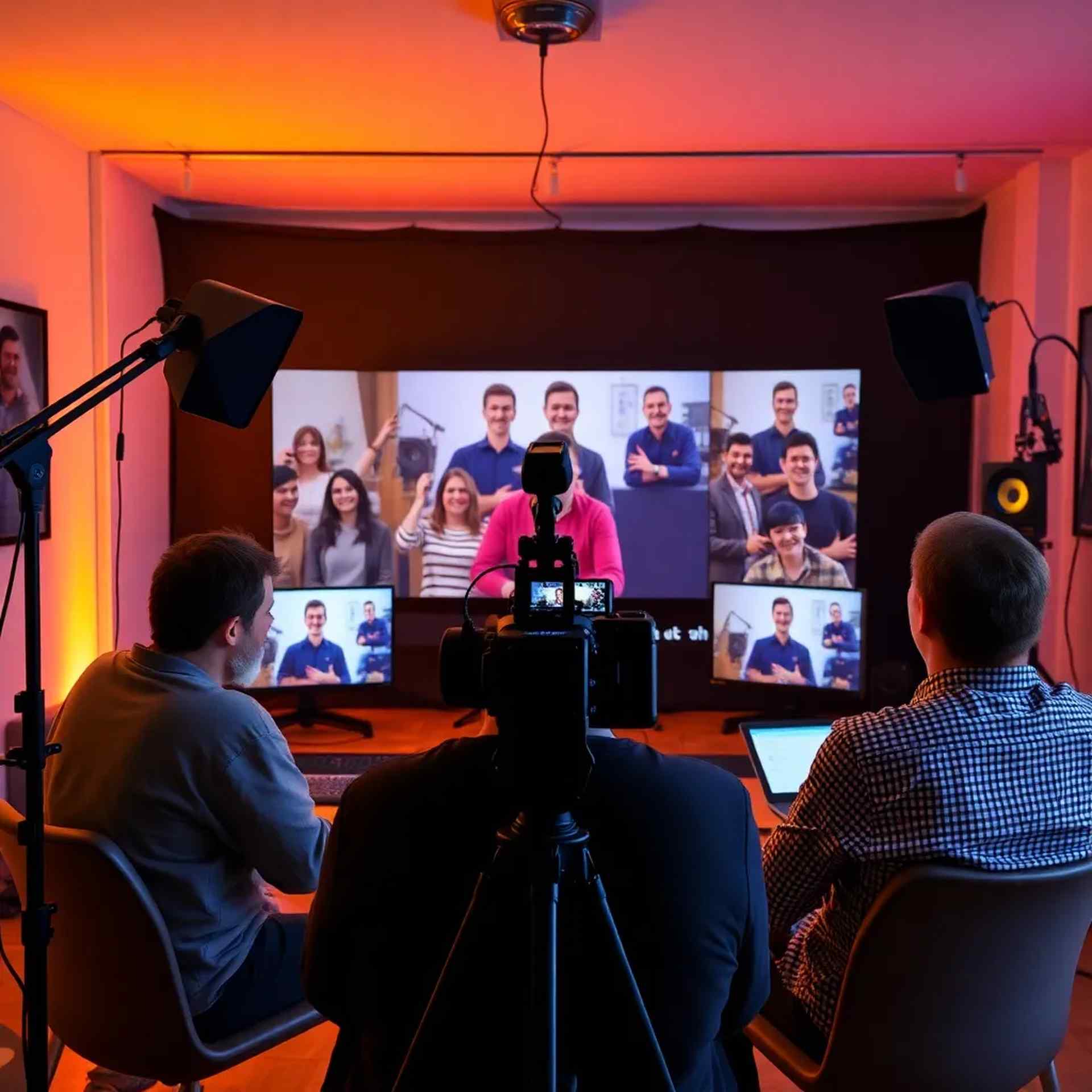
Discover the proven strategies that top livestream sellers use to boost engagement and increase sales. From lighting setup to audience interaction techniques...
Read More →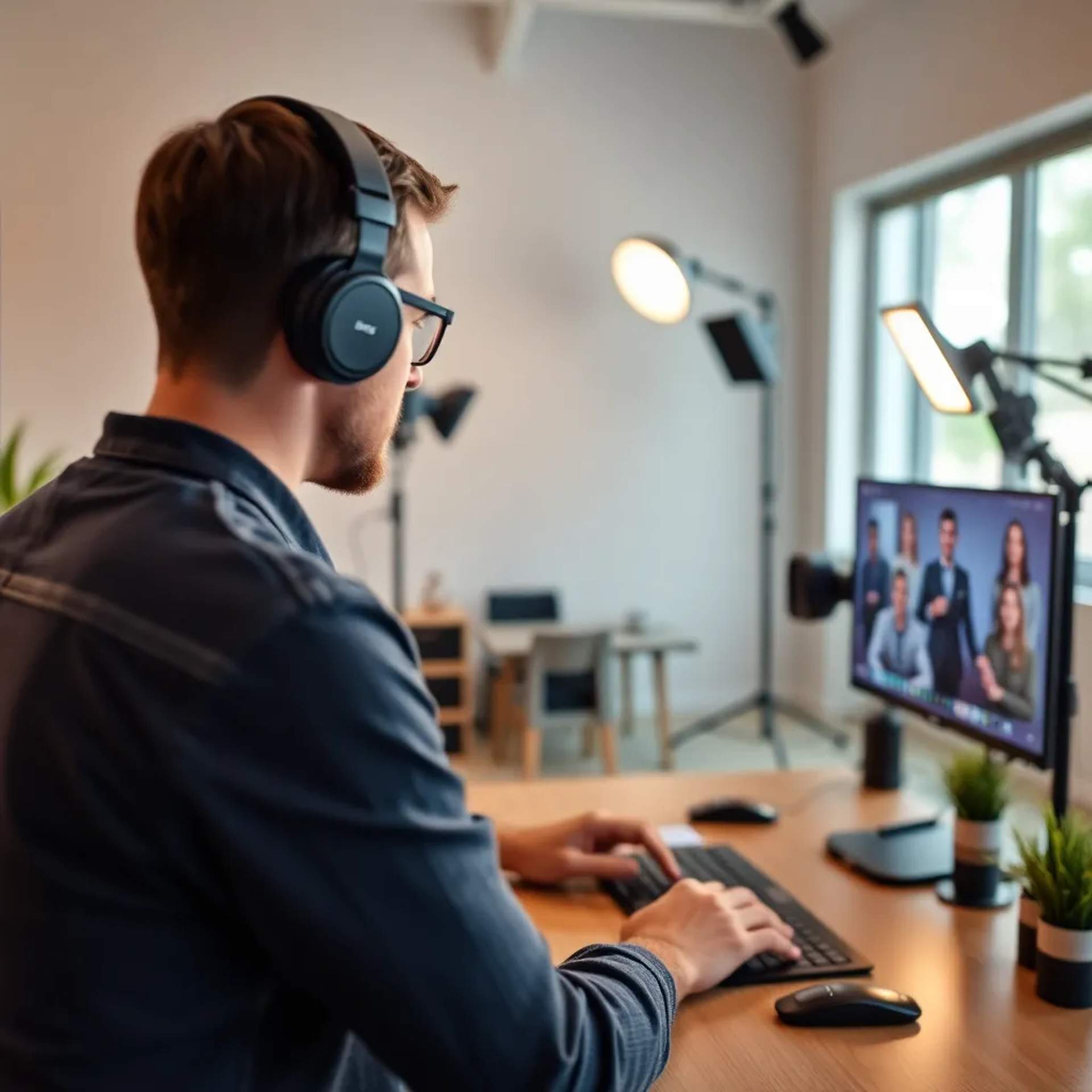
Not all cameras are created equal when it comes to product videos. Learn what specifications matter most and how to choose the perfect camera for your needs...
Read More →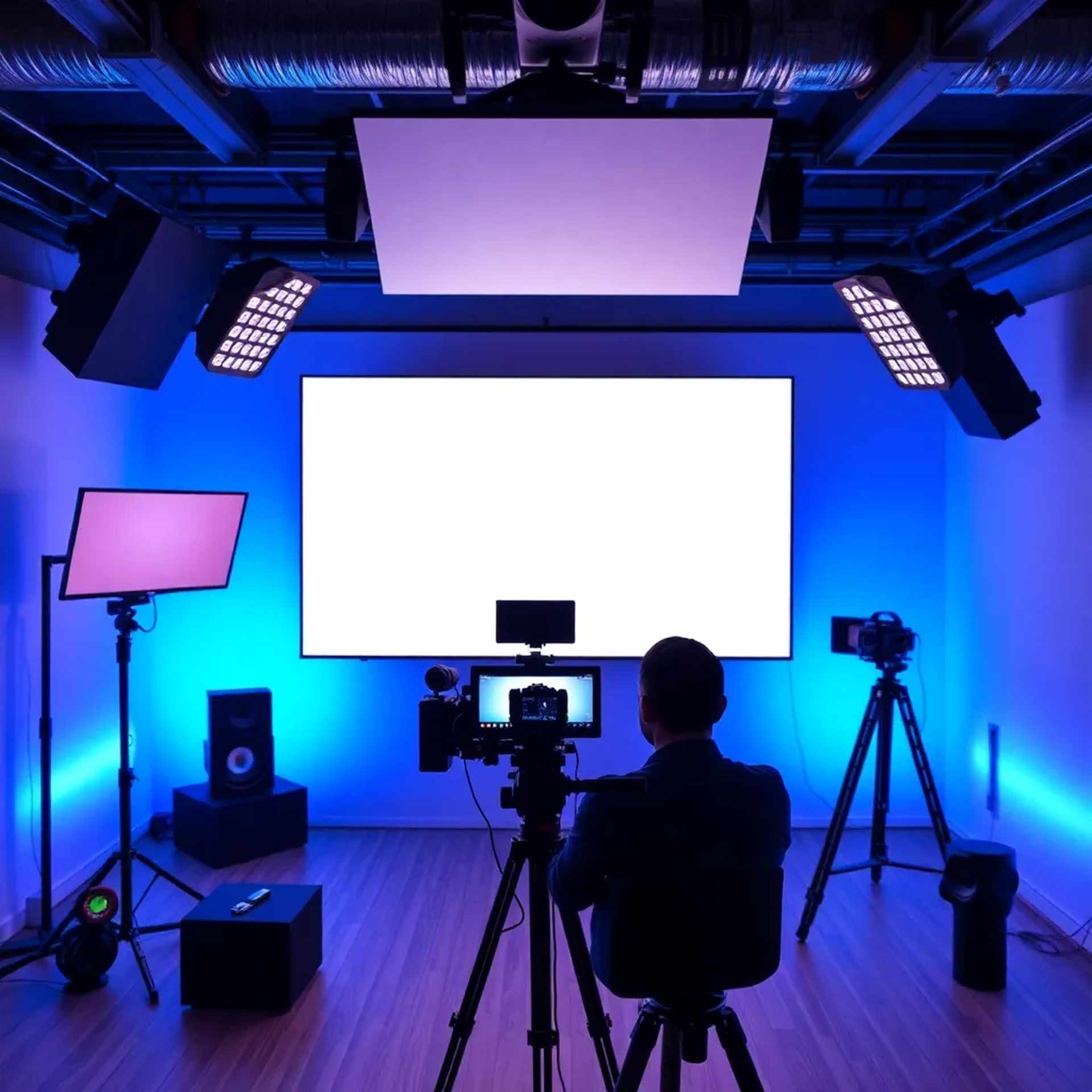
Build anticipation and maximize viewership with these proven social media promotion strategies. Learn when to post, what to share, and how to create buzz...
Read More →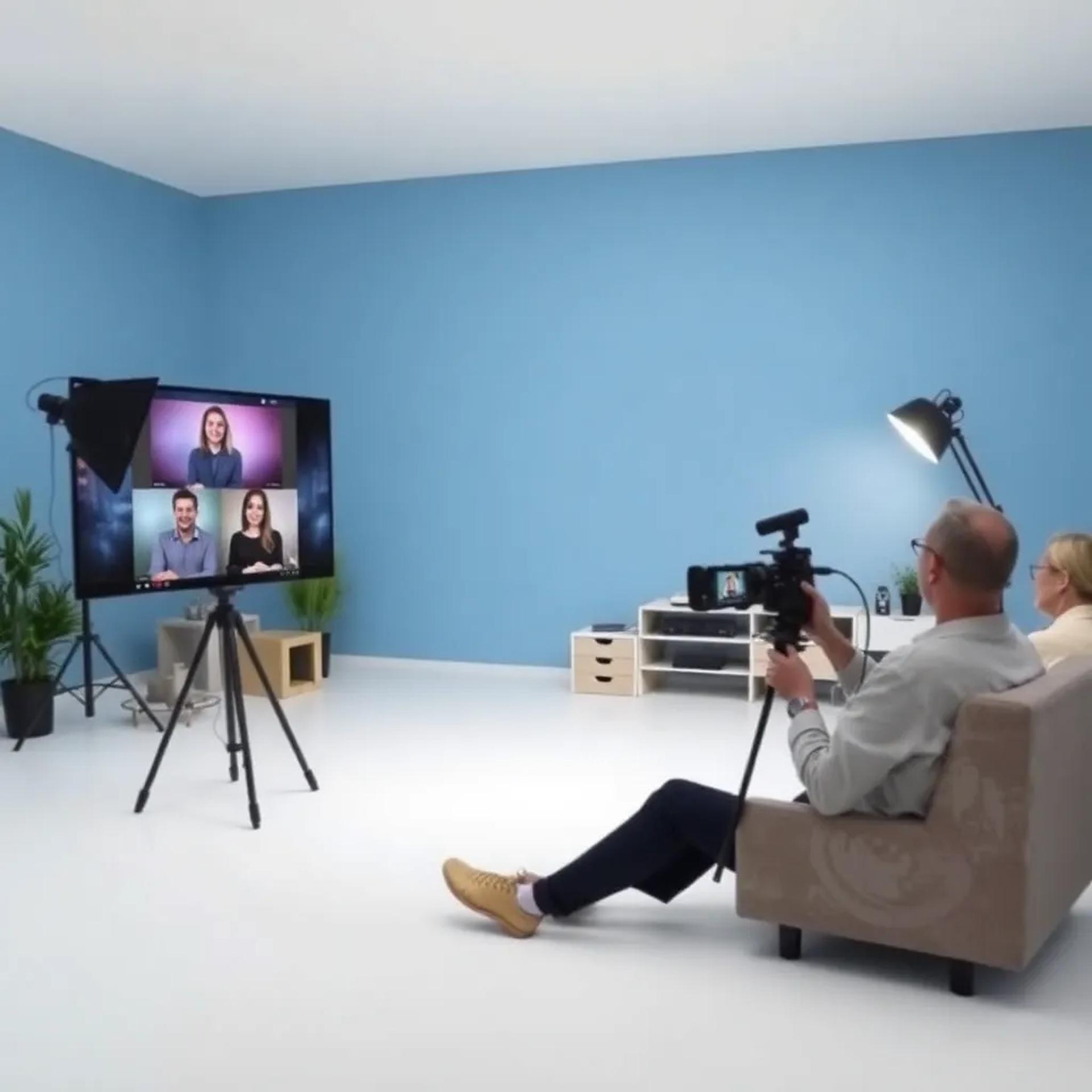
Master the techniques that make products irresistible on camera. From angles and lighting to storytelling and demonstrations that convert viewers to buyers...
Read More →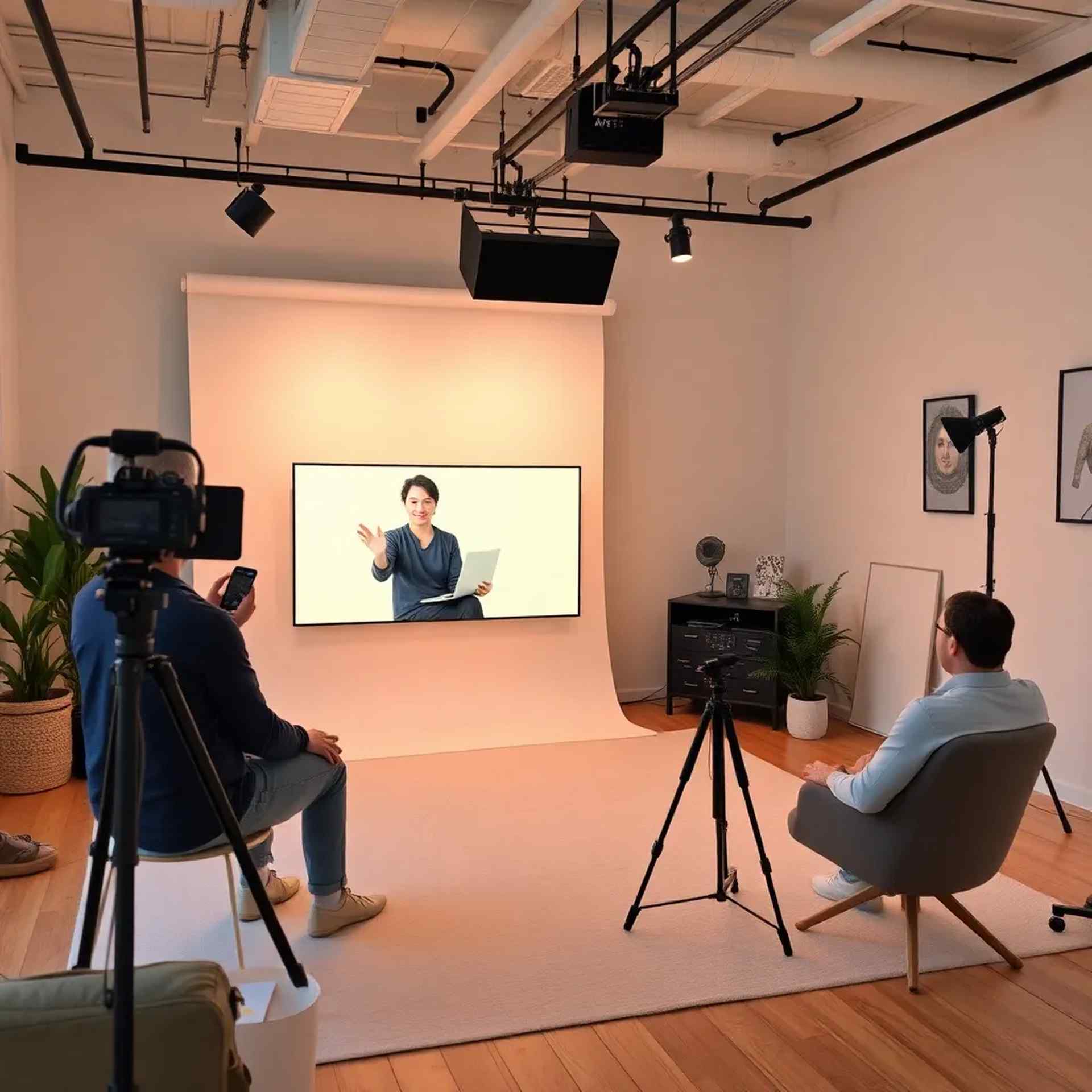
Video content is the future of e-commerce branding. Learn how to create a consistent visual identity and build trust with your audience through strategic video content...
Read More →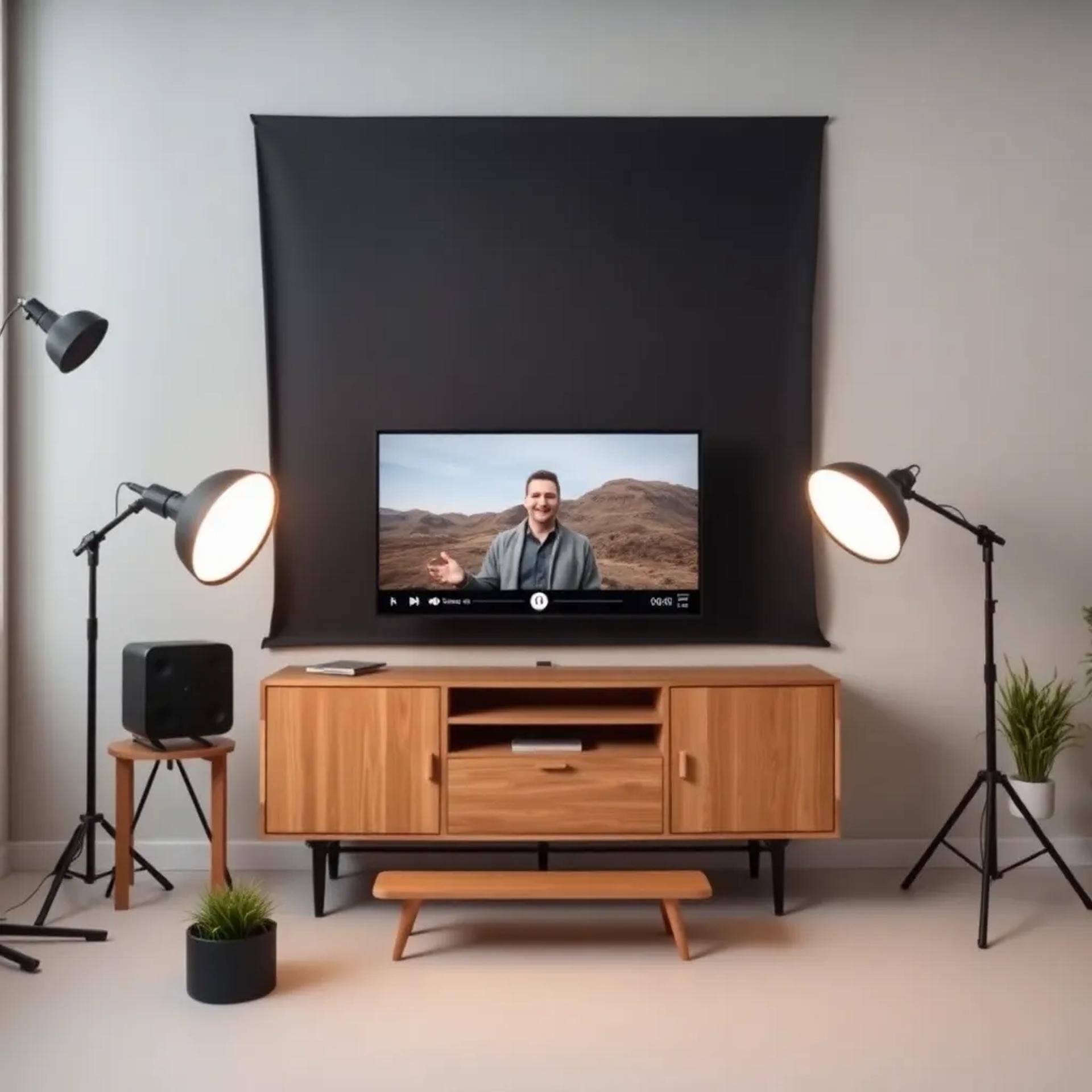
Good lighting can make or break your product videos. Understand the basics of three-point lighting, color temperature, and how to eliminate shadows for perfect results...
Read More →
Livestream selling has revolutionized e-commerce in the Philippines, and Zamboanga businesses are catching on fast. Whether you're just starting or looking to improve your results, these essential tips will help you maximize your livestream success.
Never go live without preparation. Have your products organized, know their features and benefits, and prepare talking points. While you don't need to memorize a script word-for-word, having a structure keeps you focused and professional.
Technical issues can kill engagement fast. Always test your camera, microphone, lighting, and internet connection at least 30 minutes before your scheduled livestream. Have backup equipment ready just in case.
The first few minutes are crucial. Greet viewers by name, ask questions, and create an interactive atmosphere. People stay longer when they feel acknowledged and part of the experience.
Poor lighting is one of the biggest mistakes in livestream selling. Invest in proper lighting equipment or use our professional studio setup. Your products need to look their best, and good lighting makes all the difference.
Flash sales and limited quantities create excitement and drive immediate purchases. Use countdown timers and be clear about when deals expire. This psychological trigger is incredibly effective in livestream selling.
At StreamHub Studios in Zamboanga, we help businesses implement these strategies with our professional livestream production services. Contact us to learn more about how we can help boost your livestream sales.
The camera you choose for your e-commerce videos can significantly impact how professional your content looks and how well your products sell. Here's what you need to know.
While 4K cameras are becoming standard, Full HD (1080p) is still acceptable for most e-commerce applications. However, 4K gives you more flexibility in post-production and future-proofs your content as platforms increasingly favor higher resolution.
For livestreaming and product demonstrations, reliable autofocus is essential. Look for cameras with face detection and tracking autofocus to keep your subject sharp even when moving.
Even with studio lighting, good low-light performance ensures your videos look clean without excessive noise or grain. Check the camera's ISO performance and sensor size.
At StreamHub Studios, we use professional-grade cameras with all these features, so you don't have to invest in expensive equipment yourself. Our multi-camera setup ensures every angle of your product is captured perfectly.
Getting viewers to your livestream starts with effective promotion. Here are proven strategies to build anticipation and maximize attendance.
Begin promoting your livestream at least 3-5 days in advance. Create teaser posts showing the products you'll feature and the special deals you'll offer. Build excitement gradually.
Don't limit yourself to one platform. Promote on Facebook, Instagram, TikTok, and even through email if you have a mailing list. Each platform reaches different segments of your audience.
Post daily countdowns in the days leading up to your livestream. Use Instagram Stories, Facebook posts, and TikTok videos to remind followers about the upcoming event.
Encourage past customers to share their experiences. Feature their testimonials and photos in your promotional content to build trust and credibility.
How you present your products during a livestream directly impacts sales. Master these presentation techniques to turn viewers into buyers.
Don't just show one view of your product. Rotate it, show it from different angles, and demonstrate it in use. Our multi-camera setup at StreamHub Studios makes this seamless.
Instead of just listing specifications, explain how the product solves problems or improves the customer's life. Tell stories and create emotional connections.
Show the product being used in real-life scenarios. If it's clothing, show how it fits and moves. If it's electronics, demonstrate its functions. Make it tangible and relatable.
Video content is no longer optional for e-commerce businesses—it's essential. Here's how to use video strategically to build your brand.
Develop a consistent visual style, tone, and posting schedule. Your audience should recognize your content immediately, whether it's a product video or a livestream.
Use video to share your brand's story, values, and mission. Customers connect with brands that have authentic stories and clear values.
Feature satisfied customers and their success stories. Video testimonials are incredibly powerful for building trust and credibility.
Lighting can make the difference between amateur-looking videos and professional content that sells. Here's what you need to know.
The foundation of professional lighting is the three-point setup: key light (main light), fill light (reduces shadows), and back light (separates subject from background). This creates depth and dimension.
Mix different color temperatures (warm and cool lights) can make your products look unnatural. Keep all your lights at the same color temperature, typically 5500K (daylight) for product videos.
Harsh shadows distract from your products. Use diffusers or softboxes to create soft, even lighting that shows your products in the best light.
StreamHub Studios in Zamboanga has professional lighting equipment and experienced technicians who know how to light every type of product perfectly. Book a session to see the difference professional lighting makes.